The Best Film Emulation Plugins 2024-2025: Complete Buyer's Guide
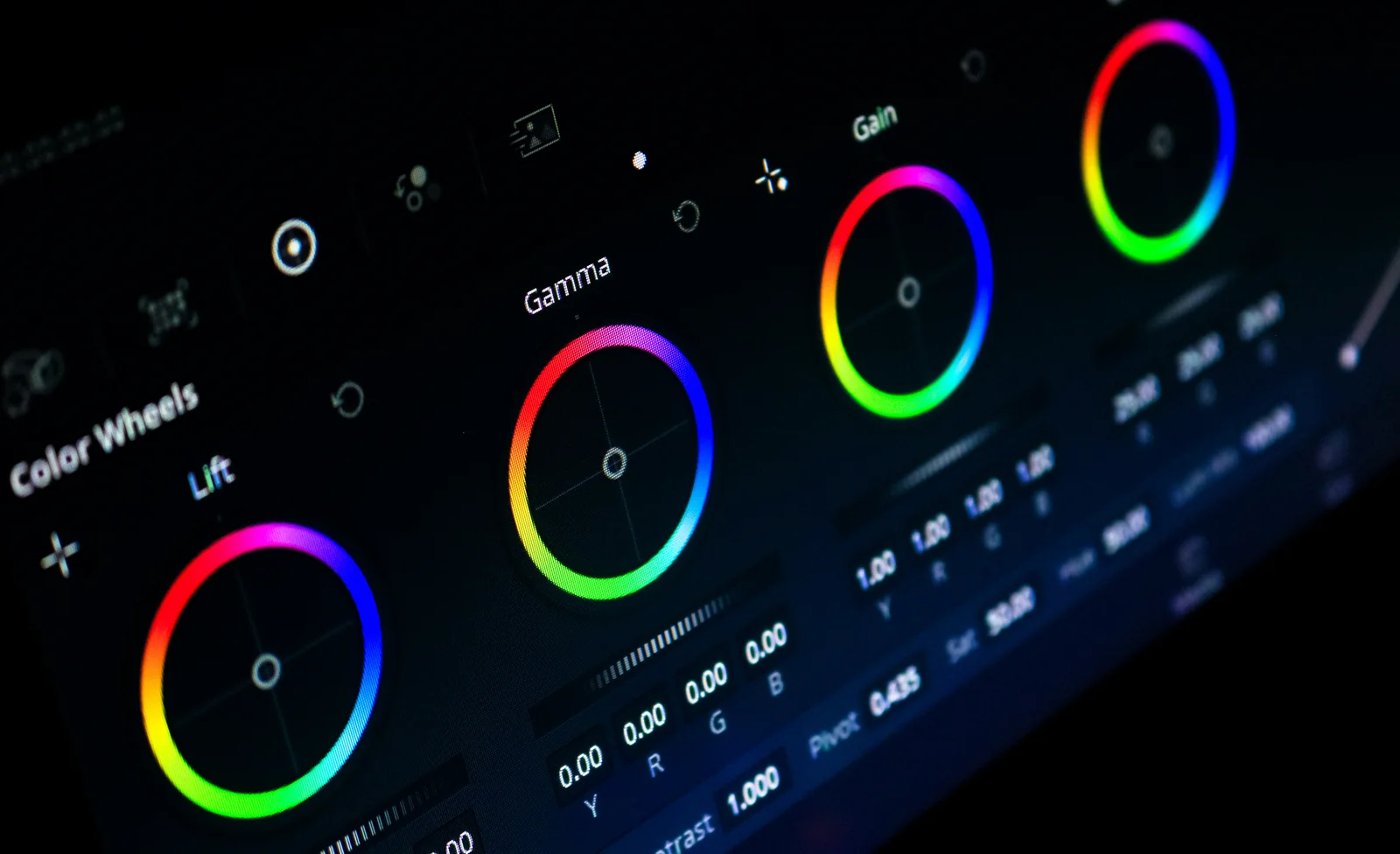
Film emulation is a cornerstone of post-production, whether you’re chasing the aesthetic of expired Kodak Vision 3 or layering grain and halation onto digital footage. But with prices ranging from free to $1,000+ and workflows from command-line to GPU-accelerated real-time preview, choosing the right plugin can be overwhelming.
This guide covers the best film emulation tools for 2024-2025, ranked by workflow fit and value.
1. Hance: Best for Scripting, Batch, and CI Pipelines
Free / Source-available · CLI-first · Reproducible · Scriptable
Hance is a command-line film emulation tool built for workflows that GUIs can’t handle - batch processing, automation, CI/CD pipelines, and reproducible versioning of looks.
What makes it stand out:
- One binary, no NLE required. Run it on any machine with FFmpeg.
- Batch-process entire folders.
for file in *.mp4; do hance "$file" --preset film-stock; done - Reproducible output. Same input + same flags = identical frames, every time.
- Browser preview UI. Dial in a look with
hance ui, save it as text, apply it from the command line. - Agent-friendly. Ships with a Hermes skill so AI agents can drive it in plain English.
- Free and source-available. FSL-1.1 (converts to Apache 2.0 in 2028). No subscription, no trial clock.
Best for:
- Teams that script, automate, or batch-process video.
- Reproducible workflows and version control (store looks as
.json). - Headless servers, renders, and CI.
- Machine learning pipelines where consistency matters.
Trade-offs:
- Growing but smaller stock library compared to Dehancer or FilmBox.
- Beta and Mac-first; Linux support is recent.
Try it:
npx @orva-studio/hance video.mp4 --preset kodak-vision-3hance ui video.mp4 # Preview in browser, save the lookhance batch-folder/ --preset my-custom-look # Apply to entire folder2. Dehancer: Best for Professional, Customizable Grain
$449 perpetual · DaVinci Resolve, Adobe Premiere, Final Cut Pro · High-end customization
Dehancer is a professional GPU-accelerated plugin with an expansive grain library, halation controls, and sophisticated film stock emulation.
What’s good:
- Excellent grain emulation. Color grain, dynamic response, adjustable saturation and seed.
- Rich customization. Grain, bloom, halation, gate weave, and color-grading effects in one package.
- Multiple platforms. Works in Resolve, Premiere, and Final Cut.
- Real-time performance. GPU acceleration keeps playback smooth.
Limitations:
- Expensive upfront. $449 for full perpetual, or split cost into modules.
- GUI-only. No command-line, batch, or CI support.
- Not all profiles usable for naturalistic looks. Many stocks are stylized or suited to graded work, not straight emulation.
Best for:
- Colorists who want professional grain and halation inside their NLE.
- Grade-heavy workflows where customization is essential.
- One-off finishes where you want fine-grained control.
Price comparison:
| Plan | Cost |
|---|---|
| Grain + Color Grading | $199 |
| Full Perpetual | $449 |
| Monthly Subscription | $29 |
3. Genesis: Best for Accurate Photochemical Film Modeling
$199-$2,000 · DaVinci Resolve only · Color-science focused
Genesis by Cullen Kelley, Steve Yedlin, and Mitch Bogdanowicz (former Kodak color scientist) is a rigorous film emulation engine built on deep color science rather than aesthetic filters.
What’s innovative:
- Photochemical system modeling. Halation, bloom, grain dynamics, and highlight roll-off all respond to exposure.
- 42 film negatives. From 1950s Kodak stocks to modern scanning films like 5219.
- 13 print stocks. Including industry standard Kodak 2383.
- Dynamic grain. Changes based on scene exposure and push/pull, not static noise.
- Intelligent output. Works as a final DRT, so results stay consistent.
Limitations:
- Resolve only. No Premiere or Final Cut Pro support.
- Single machine license. Can’t use simultaneously on desktop and laptop.
- No LUT export in Indie version. (Pro version only.)
- Trial locked features. Halation, grain saturation, and LUT export disabled in trial.
Best for:
- Cinematographers and colorists who want to understand the science.
- Resolve-native workflows with per-shot control.
- Archival or historical film stock recreation.
Pricing:
| Version | Price | Features |
|---|---|---|
| Indie | $299 | 42 negatives, 13 prints, most tools |
| Pro | $2,000 | Plus HDR, all features unlocked |
4. FilmBox: Best for Maximum Fidelity (Professional Grade)
$995 indie, $2,495+ professional · DaVinci Resolve only · Most expensive, highest-end
FilmBox is the premium, professional-grade film emulation plugin. If budget isn’t a constraint and you need the absolute highest quality, this is it.
What you get:
- Highest quality emulation on the market. Rigorous film modeling with meticulous calibration.
- Best halation emulation. Subtle, physically accurate bloom and light scattering.
- Scene-deferred workflow. Built-in color management for complex grading.
- Multiple film stocks. Negative and print combinations spanning decades.
Limitations:
- Steep price. $995 indie license is a real commitment.
- Resolve only. Not available for Premiere or Final Cut.
- Smaller stock selection compared to Dehancer.
- Overkill for many workflows. If you’re not grading Hollywood productions, the fidelity gains may not justify the cost.
Best for:
- High-budget productions where film fidelity is non-negotiable.
- Professional colorists who bill by the hour (cost amortizes).
- Archival restoration and legacy film scanning.
5. ARRI Film Lab: Best for Real-Time Resolve Workflows
$25/month or $299 perpetual · DaVinci Resolve native · Real-time, integrated
ARRI’s native Resolve plugin delivers real-time analog film emulation with adjustable grain, halation, and gate weave, built into the editing timeline.
What’s good:
- Real-time performance. No render waits; adjust as you grade.
- ARRI-engineered. Built by the camera manufacturer who knows their sensors inside out.
- Reasonable price. $25/month or perpetual, well below FilmBox.
- Built into Resolve. One click, no installation headaches.
- Adjustable characteristics. Grain, halation, and gate weave all tunable.
Limitations:
- Resolve only. No Premiere, Final Cut, or standalone use.
- Newer / less mature than Dehancer or Genesis.
- Limited stock breadth compared to competitors.
Best for:
- Real-time grading workflows in DaVinci Resolve.
- ARRI-camera workflows (native familiarity).
- Budget-conscious colorists who want professional results at a low monthly cost.
Pricing:
- Monthly: $25
- Perpetual: $299
6. Film Convert: Best for Simplicity and Speed
$119 OFX version · Multiple platforms · Lightweight, beginner-friendly
Film Convert is one of the oldest film emulation plugins on the market - battle-tested, simple, and fast.
What’s good:
- Dead simple to use. One or two clicks and you have a film look.
- Lightweight. Doesn’t slow down your system.
- Distinct profiles. Clean, recognizable film stocks.
- Halation module available. Adds bloom and glow.
- Affordably priced. $119 is reasonable for a perpetual license.
Limitations:
- Film profiles haven’t been updated in years. Limited new stock additions.
- No 2383 print film emulation. Critical gap for professionals.
- Grain module feels digital. Changed some years back and no longer feels organic.
- Less powerful than Dehancer. Fewer customization options.
Best for:
- Beginners who want a simple, quick film look.
- Workflows where speed matters more than deep customization.
- Budget-conscious users who don’t need halation or advanced grain.
Quick Comparison Table
| Tool | Price | Platform(s) | Best For | Key Strength |
|---|---|---|---|---|
| Hance | Free | CLI (all OS) | Scripting, batch, CI | Reproducible automation |
| Dehancer | $449 | Resolve, Premiere, FCP | Professional grain | GPU-accelerated, customizable |
| Genesis | $299-$2,000 | Resolve only | Color science purists | |
| FilmBox | $995-$2,495 | Resolve only | Maximum fidelity | Highest quality emulation |
| ARRI Film Lab | $25/mo or $299 | Resolve native | Real-time workflows | Integrated, affordable |
| Film Convert | $119 | Multiple | Beginners, speed | Simple, lightweight |
How to Choose
Are you scripting, batching, or automating? → Hance
Do you grade in Resolve and want professional grain controls? → Dehancer
Do you want the most scientifically accurate emulation? → Genesis
Are you a professional with unlimited budget and need maximum fidelity? → FilmBox
Do you need real-time preview inside Resolve at a fair price? → ARRI Film Lab
Just starting out and want simplicity? → Film Convert
The Honest Truth
For most workflows, Dehancer, Genesis, or Hance will cover your needs. FilmBox is overkill unless you’re billing clients by the hour. Film Convert is fine if you want fire-and-forget simplicity. ARRI Film Lab is the sweet spot for Resolve users who want both integration and affordability.
But if you need to batch process, automate, script, or version-control your looks, Hance is the only tool built for that job. The other plugins are GUI-first; Hance is CLI-first. That’s a different beast entirely.
Get Started
- Hance: GitHub · Docs · Browser UI
- Dehancer: dehancer.com
- Genesis: cullenkellycolor.com/genesis
- FilmBox: filmboxonline.com
- ARRI Film Lab: arri.com
- Film Convert: filmconvert.com
Last updated: June 2026. Prices and availability subject to change.